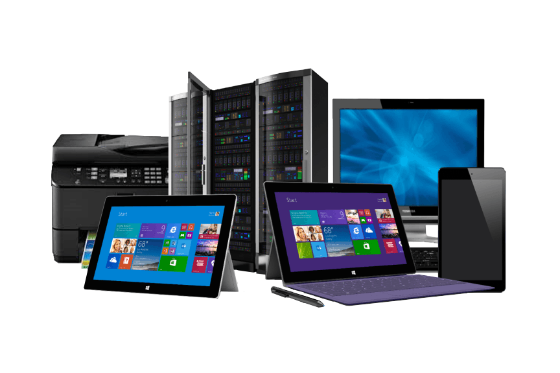
We stock a wide variety of products
Services
Shop till you drop
Get you business Cloud Hosted in jiffy!
Upgrade to Revelation SQL now
Budget a little tight?
Lets Integrate it with your SLA
Why buy when you can rent?
Lifetime warranty included with all rentals
Microsoft’s latest operating system, Windows 11, launched in October 2021, but many PCs lack the hardware required to upgrade. So what can you do if your computer isn’t ready to make the jump? Is upgrading even worth the hassle?
When Windows 11 arrived on the scene, it launched with some restrictive and controversial requirements. Most notable is that Microsoft requires users to be online and have an active Microsoft account to use it. Still, if your PC isn’t compatible, options and workarounds are available, although they vary regarding the difficulty and risk involved. It could be as simple as connecting your computer to the internet or as complex as manually upgrading the hardware inside your PC.
The minimum hardware requirements for Windows 11 are as follows:
If you are unsure, Microsoft’s PC Health Check App will check if your PC meets the minimum requirements for Windows 11.
If Microsoft's upgrade checker tool cant upgrade your current to Windows 11, you can always follow the link below and try installing it anyway.